
- Developer
- Kittysplit
- Installs
- 10K+
- Downloads
- 0
- Views
- 1
- Updated
- Nov 4, 2026
Screenshots
About Kittysplit: Bills & cost split
Kittysplit App – Easily Split Bills and Shared Expenses with Friends
Sharing expenses with friends and family can sometimes become confusing, especially when several people are involved. During a group trip, one person may pay for dinner, another may book the hotel, and someone else may cover transportation. At the end, calculating who owes money to whom can take a lot of time.
Kittysplit is a bill-splitting tool designed to make this process easier. It helps groups record shared expenses, calculate individual payments, and find a simple way to settle outstanding balances. Whether you are planning a holiday, sharing household bills, or organizing an event with friends, Kittysplit provides a convenient way to manage common costs.
One useful thing about Kittysplit is that participants do not need to install an app to join an expense group. They can simply open a shared link through a web browser and take part.
What Is Kittysplit?
Kittysplit is an online expense-sharing platform that helps people divide bills and track payments within a group. Users can create an event, add participants, record expenses, and let the tool calculate how much each person owes.
It can be useful for people who regularly share costs with friends, family members, roommates, or colleagues. Instead of calculating every payment manually, users can keep all their expenses in one shared place.
Kittysplit also works through a web browser, so participants can access their group using a unique link. Creating an account is optional, which makes joining an event relatively simple.
Main Features of Kittysplit
1. Easy Bill Splitting
The main purpose of Kittysplit is to make sharing bills less complicated. When someone pays for a shared expense, they can enter the amount and add it to the group.
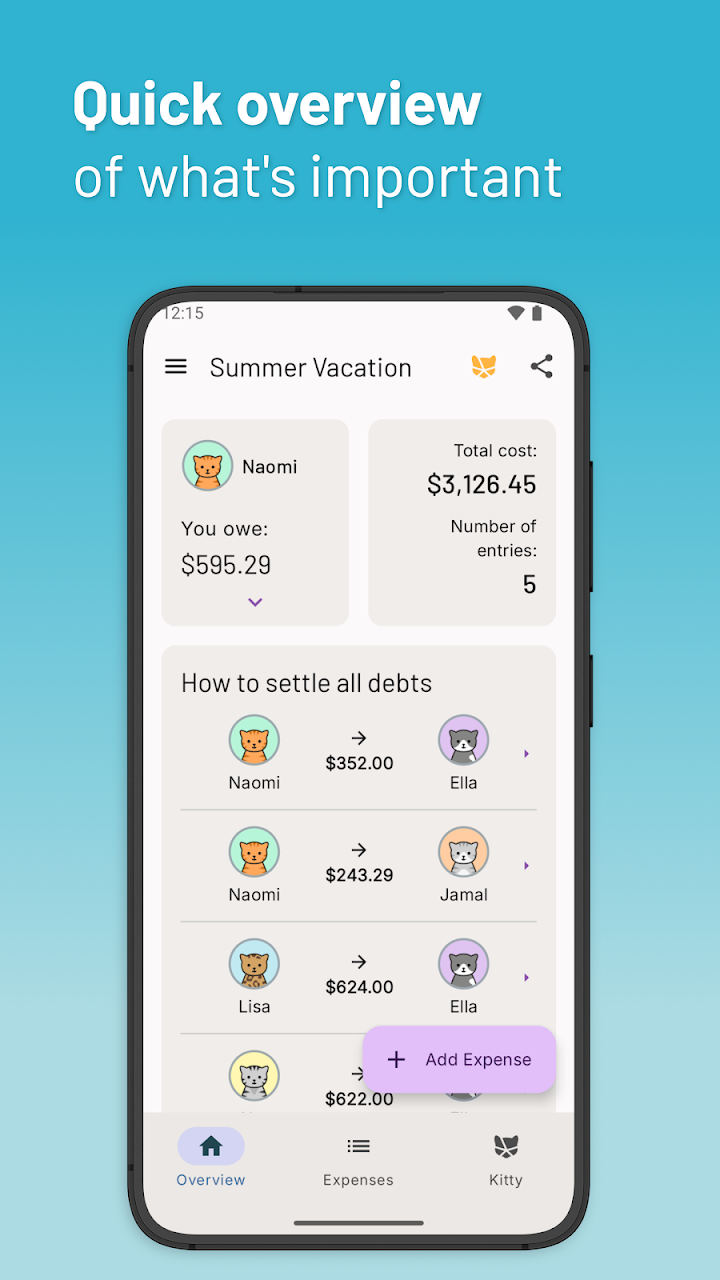
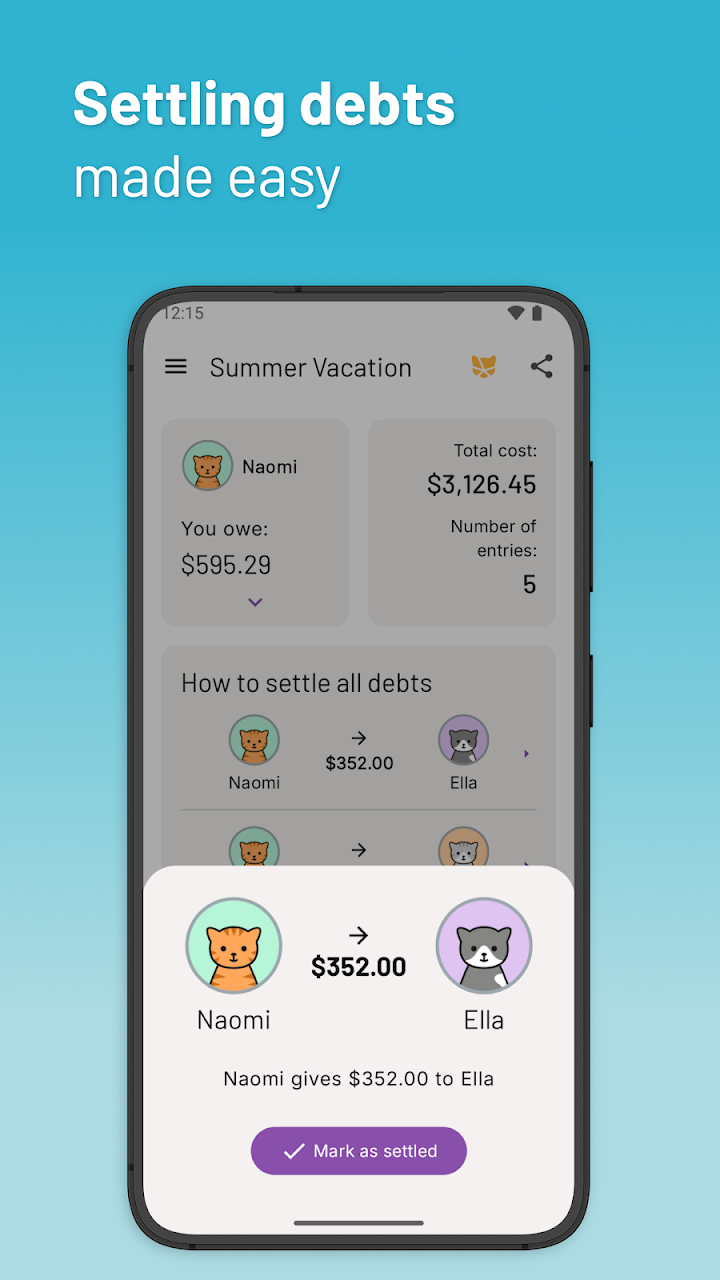
Kittysplit then calculates each participant's share and shows who needs to pay whom. This is particularly helpful when multiple people are paying for different things during the same event.
It reduces the need for manual calculations and makes it easier to understand the group's overall expenses.
2. Join Groups Through a Shared Link
Not everyone wants to download another application just to participate in a group expense. Kittysplit solves this problem by allowing people to join through a unique event link.
The person who creates the group can share the link with friends or family members. Other participants can open it in their browser and add their own expenses.
The platform supports different devices and operating systems, including Android, iOS, Windows, macOS, Linux, and ChromeOS, as long as a compatible web browser is available.
3. Equal and Unequal Expense Splitting
Not every shared bill needs to be divided equally. For example, during a trip, some people may stay for more nights than others, or one participant may use a service more frequently.
Kittysplit offers different ways to divide expenses. Users can split costs equally or assign different shares according to weights or individual amounts.
This flexibility makes the tool useful for groups with different spending arrangements.
4. Expense Categories and Filters
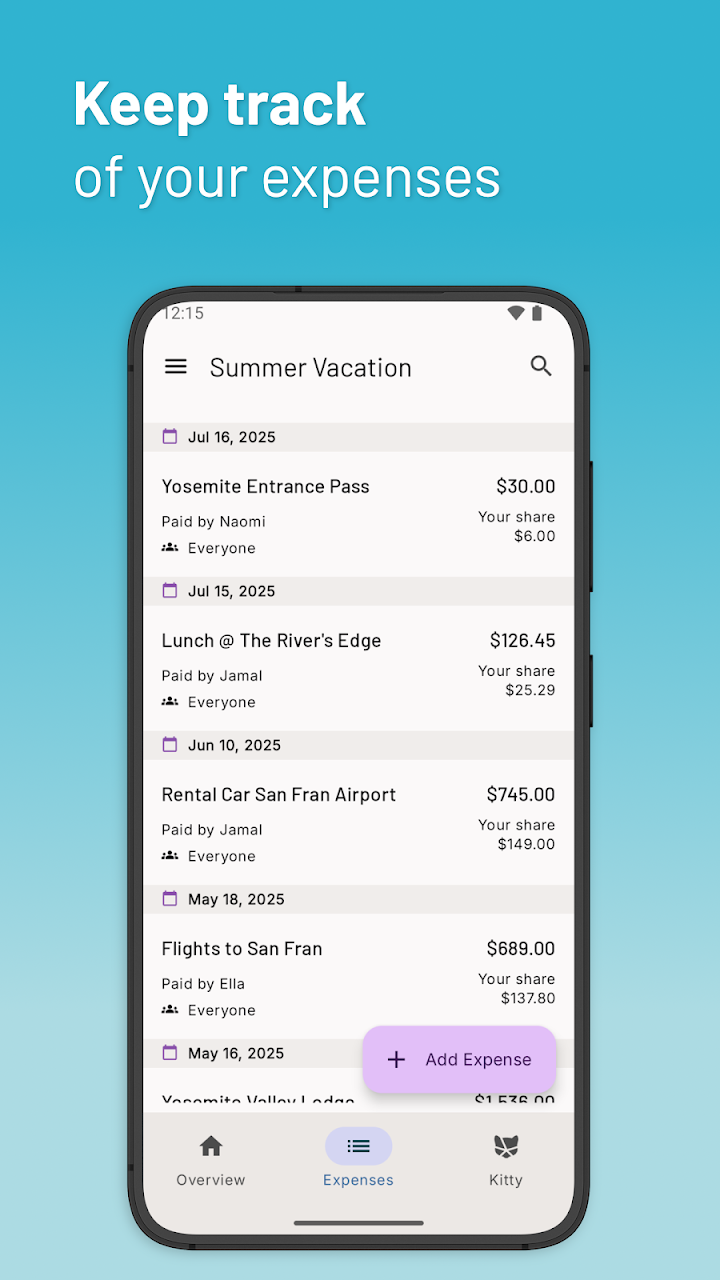
When a group has many transactions, finding a particular payment can become difficult. Kittysplit allows users to assign categories to expenses and filter the expense list accordingly.
For example, a group can organize payments under categories such as food, accommodation, transportation, shopping, and entertainment.
This makes the expense list easier to review and helps participants understand where the group's money has been spent.
5. Export Expenses to a Spreadsheet
Some people prefer keeping a separate record of their financial activities. Kittysplit provides an export option that allows users to download expense information in a spreadsheet format.
This can be useful for reviewing trip costs, keeping personal records, or sharing a summary with other participants.
Having an export option also makes it easier to examine expenses outside the platform.
6. Complete History of Changes
When several people can add expenses to one group, it is helpful to know what has changed over time.
Kittysplit includes a history feature that allows participants to review changes made to a Kitty. This can make it easier to follow updates and understand how the group's expense records have developed.
7. Super Kitty Features
Kittysplit also offers additional features through its Super Kitty option. These tools provide more flexibility for groups that need extra expense-management options.
Some of the available features include
- Photo Attachments: Add pictures of receipts or bills to expense records.
- Multiple Currencies: Record expenses in different currencies, with automatic conversion supporting more than 120 currencies.
- Default Shares: Set standard shares for participants, which can be helpful when some members belong to the same group.
- Read-Only Access: Allow people to view expense information without giving them the same editing access as other participants.
These extra options can be especially useful when organizing international trips or managing larger shared budgets.
Where Can You Use Kittysplit?
Kittysplit is designed for many situations where people need to share costs. Some common examples include:
Group Trips and Holidays: Friends can record hotel bookings, meals, transportation, and other travel costs in one place.
Family Vacations: Family members can keep track of shared payments and divide expenses without repeatedly calculating everything.
Couples and Roommates: People living together can organize rent-related shared costs, groceries, utility bills, and other household expenses.
Weddings and Parties: Groups organizing weddings, bachelor parties, or other celebrations can track payments made by different participants.
Festivals and Events: Friends attending music festivals or weekend events can record common expenses and calculate everyone's share.
Workplace Lunches: Colleagues can use it to manage shared restaurant bills and other small group payments.
Shared Debts: Friends can also use Kittysplit to keep track of money they have borrowed or paid on behalf of each other.
How to Use Kittysplit
Getting started with Kittysplit is straightforward. You do not need to complete a complicated registration process to create a basic event.
Follow these steps
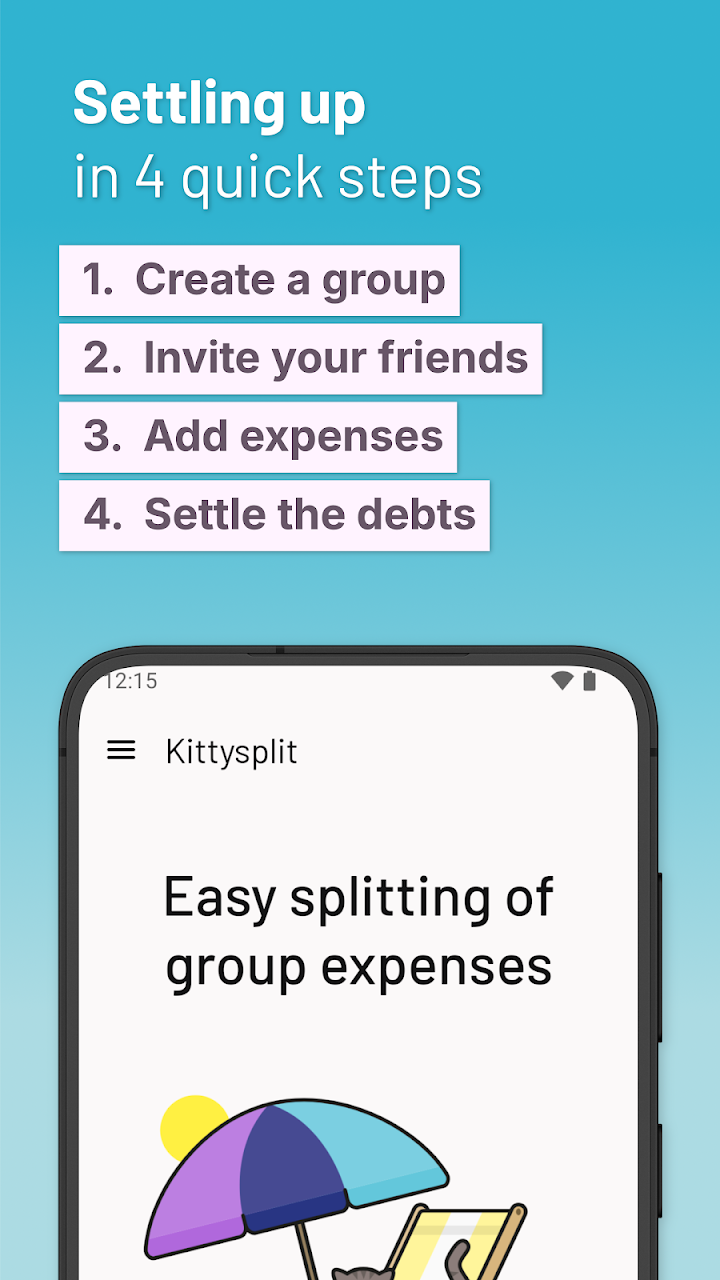
1. Open Kittysplit and create a new Kitty.
2. Enter the name of your event or group.
3. Add the names of everyone who will participate.
4. Share the generated link with your friends or other group members.
5. Add expenses whenever someone pays for a shared item or service.
6. Let Kittysplit calculate everyone's share and show how the group can settle outstanding payments.
Once all the expenses have been entered, participants can check the balance and understand who needs to pay.
Is Kittysplit Free to Use?
According to its description, Kittysplit keeps basic events free. This means users can create a basic group and manage shared expenses without paying for the standard functionality.
However, additional tools are available through Super Kitty features. Users who need options such as photo attachments, foreign currency support, default shares, or read-only access may want to explore that option.
It is a good idea to check the platform for the latest details about available plans and features before using it.
My Personal Opinion About Kittysplit
In my opinion, Kittysplit is a practical tool for anyone who frequently shares expenses with other people. Its biggest advantage is the ability to join a group through a simple web link without requiring every participant to install an application.
I also like that it supports both equal and unequal expense splitting. This is important because real-life expenses are not always divided in the same way. The spreadsheet export and expense history are also useful additions for people who want to keep better records.
The Super Kitty features provide some extra flexibility, particularly for international travel and groups that need to attach receipts.
Overall, Kittysplit looks like a convenient option for reducing confusion around shared bills. Users will still need to enter expenses correctly, but the automatic calculations can make settling up much easier.
Final Words
Kittysplit makes it easier to manage shared expenses without relying on complicated calculations or separate payment records. From group vacations and family events to household bills and everyday spending with friends, it offers a simple way to record costs and calculate individual shares.
Its browser-based access, optional account creation, expense categories, spreadsheet export, and flexible splitting options make it useful for different types of groups.
If you often travel with friends, share household costs, or organize events with other people, Kittysplit may be worth trying. It can help everyone stay on the same page and make expense sharing more organized.