
- Developer
- Photo Editor & AI Art
- Installs
- 100K+
- Downloads
- 0
- Views
- 2
- Updated
- Nov 3, 2026
Screenshots
About Tattoo AI - Tattoo Designs App
PicInk – AI Tattoo Design & Body Editor App
PicInk is a creative photo editing app that helps users explore tattoo designs and see how different tattoos may look on their bodies. With its AI tattoo generator, body editing tools and realistic tattoo previews, the app makes it easier to experiment with new ideas before getting a real tattoo. Whether you are a tattoo lover, an artist or someone planning their first tattoo, PicInk offers several tools to bring your ideas to life.
Main Features of PicInk
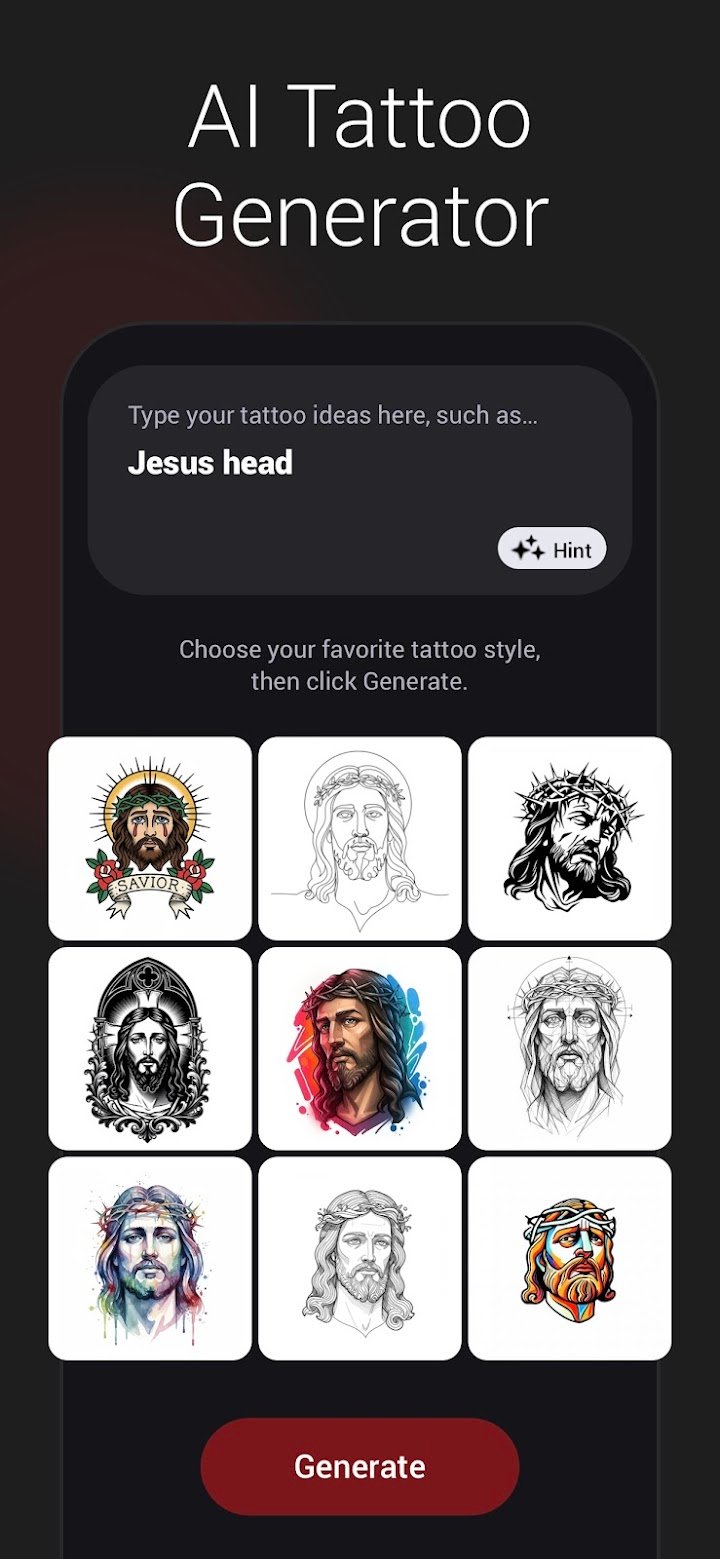
- AI Tattoo Generator: Create personalized tattoo designs by entering your own ideas, words or themes.
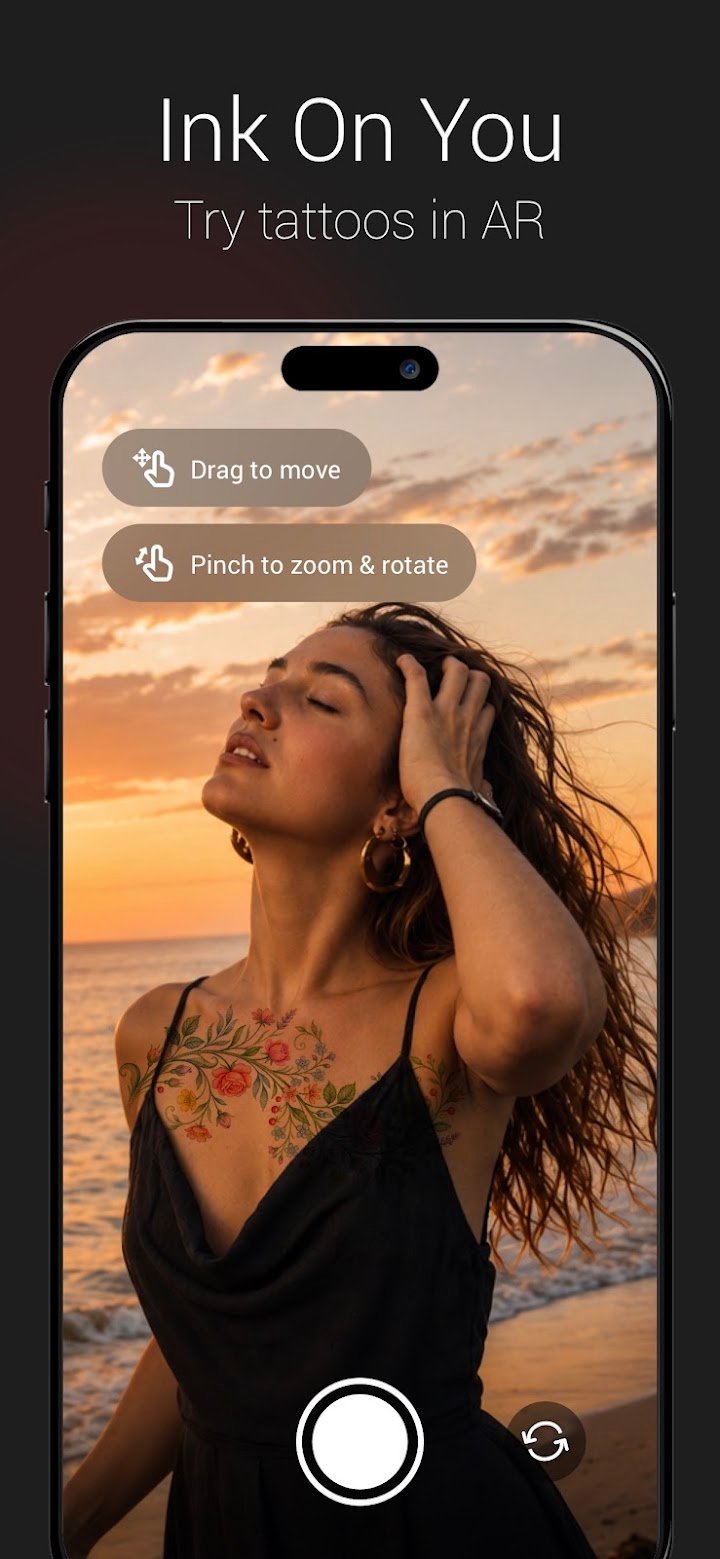
- Realistic Tattoo Try-On: Use AR or photo mode to preview tattoos on different body parts, including arms, chest and back.
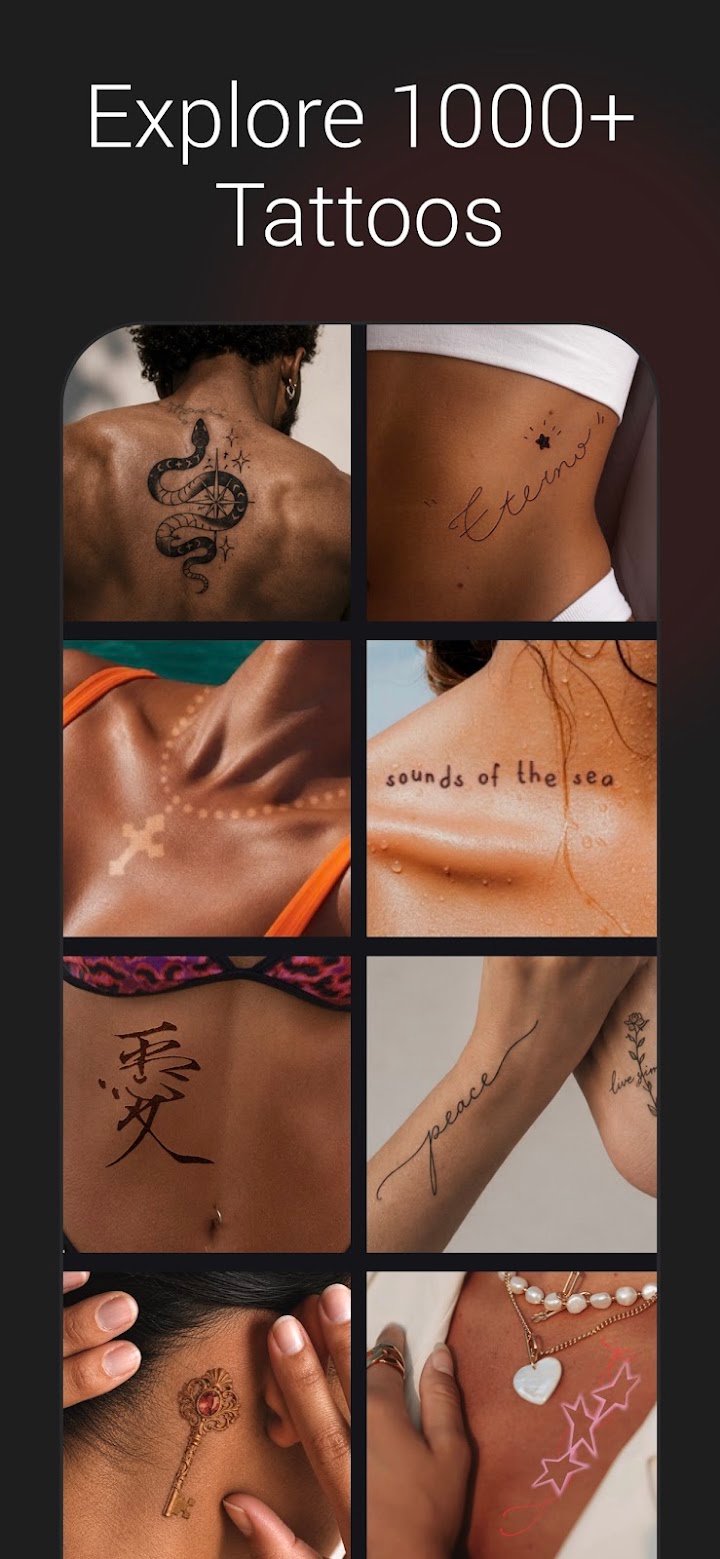
- 30+ Tattoo Styles: Explore different artwork styles and lettering options to find a design that matches your taste.
- Tattoo Editing Tools: Change tattoo size, position, opacity, brightness and other details for a better appearance.
- Body Fit Feature: Adjust tattoo placement so the design follows the natural curves of the body.
- Tattoo Eraser: Remove unwanted parts or details from a tattoo preview.
- Body Editor: Modify body proportions and preview how tattoos may look with different shapes.
- Custom Tattoo Fonts: Choose from graffiti, script, blackletter and other font styles to create lettering tattoos.
- Face Retouching: Edit facial features such as the nose, lips, eyes and eyebrows for a refined photo preview.
- Photo Editing: Use tools like exposure, saturation, blur, sharpness, curves and cropping to improve your pictures.
- Save and Share: Save your favorite designs in high resolution and share them through social media or messaging apps.
AI Tattoo Design Generator
One of the useful features of PicInk is its AI tattoo generator. You can enter a simple idea or describe the artwork you want, and the app creates tattoo design suggestions based on your input. This gives you an easy way to explore different concepts without having to draw everything yourself.
Explore Different Tattoo Styles
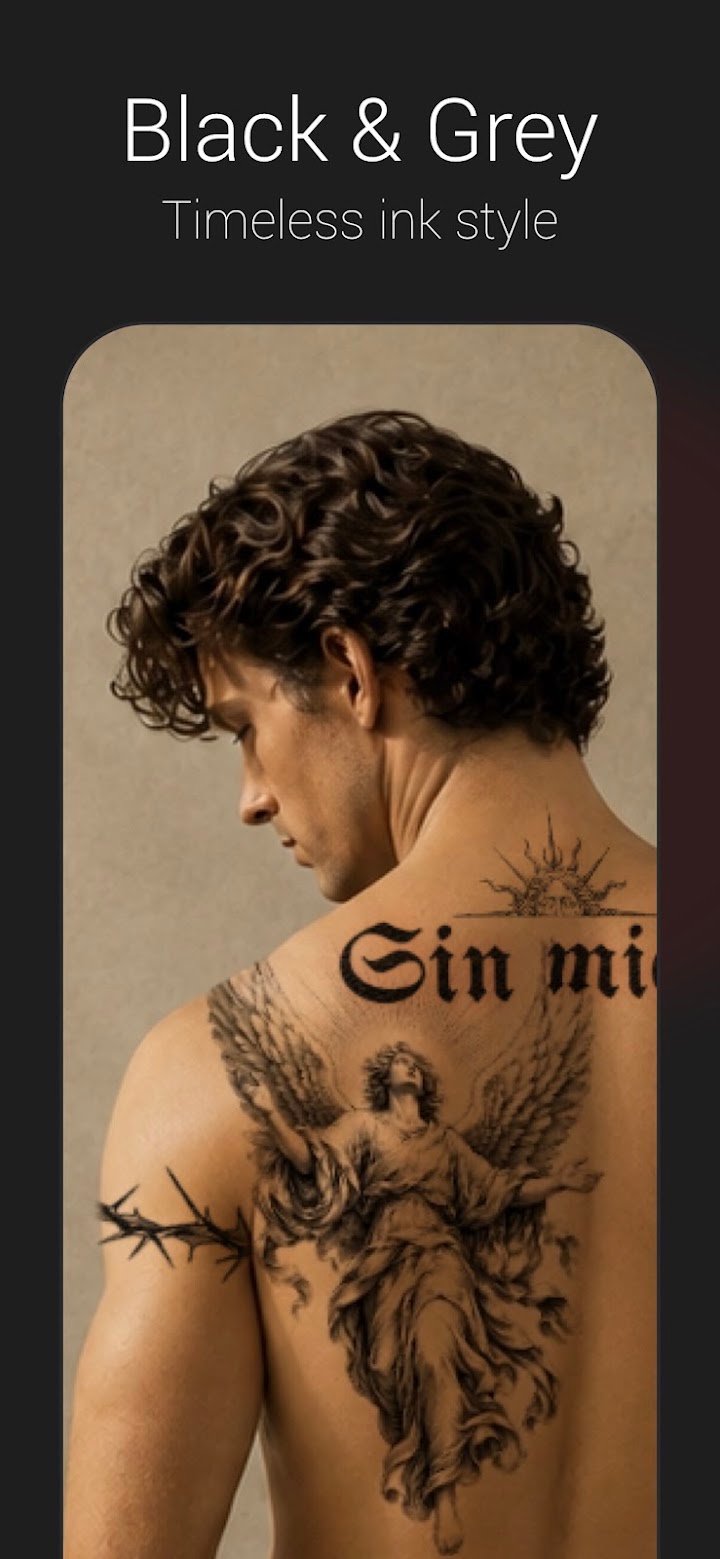
PicInk includes a variety of tattoo styles for different preferences. You can explore traditional designs, blackwork, old school, dotwork, Japanese artwork, watercolor, minimalist tattoos and sketch-style patterns. These options make it easier to discover new ideas and choose a design that suits your personality.
Custom Lettering and Tattoo Fonts
If you prefer tattoos with names, quotes or meaningful words, PicInk also provides lettering tools. You can experiment with different fonts, including script, graffiti and blackletter styles, to create a personalized text-based tattoo design.
Realistic Tattoo Preview
Before choosing a permanent tattoo, it can be helpful to see how the design might look on your body. PicInk allows users to try tattoos through AR and photo editing modes. You can experiment with different placements, adjust the size and change the appearance of the design.
Body and Photo Editing Tools
The app also includes body editing options that let users adjust certain body proportions for preview purposes. Additional photo editing features help improve the final image by changing brightness, exposure, sharpness, saturation and other settings.
Who Should Use PicInk?
PicInk can be useful for
- People planning to get their first tattoo.
- Tattoo lovers looking for fresh design inspiration.
- Tattoo artists exploring ideas for their clients.
- Users interested in custom lettering and tattoo fonts.
- Anyone who wants to preview tattoo placement before making a decision.
Final Words
PicInk – AI Tattoo Design & Body Editor combines AI-generated artwork, tattoo previews and photo editing features in one application. It gives users a convenient way to test different designs, explore creative styles and prepare tattoo ideas before visiting a professional artist. If you enjoy experimenting with body art and personalized designs, PicInk is worth exploring.