- Developer
- Meta Connect Software
- Installs
- 10K+
- Downloads
- 0
- Views
- 1
- Updated
- Nov 4, 2026
Screenshots
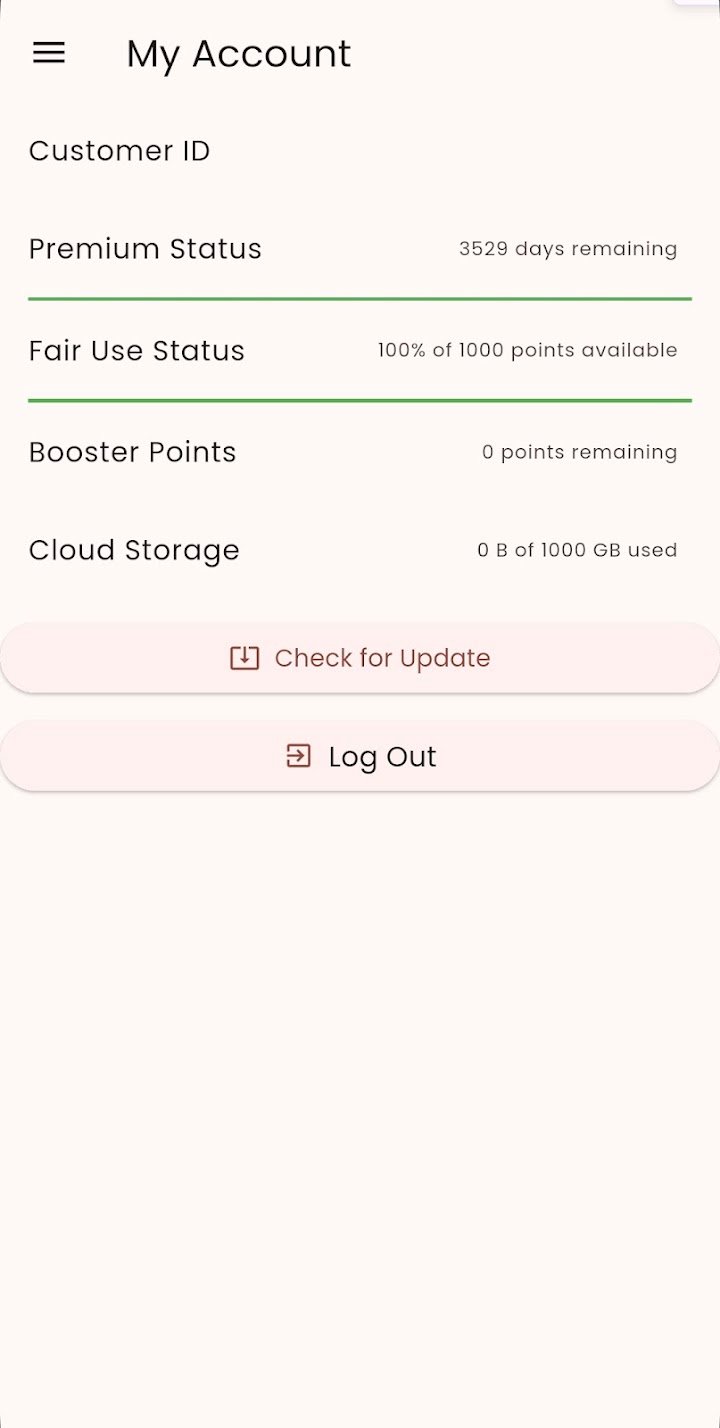
About Premiumize.me
Premiumize.me – Manage and Download Your Files From Anywhere
Managing online files and downloading content can sometimes become inconvenient, especially when you use different file hosting services. Premiumize.me is an application designed to make this process easier by allowing users to access their cloud storage and manage remote downloads directly from a mobile device.
The app brings several useful tools together, including cloud file management, remote torrent downloads and file hosting support. It can be useful for people who regularly work with online files and prefer having their downloads organised in one place.
Important: Premiumize.me is not a completely free service. Using its main features requires an active paid Premiumize.me membership.
Access Your Cloud Files Easily
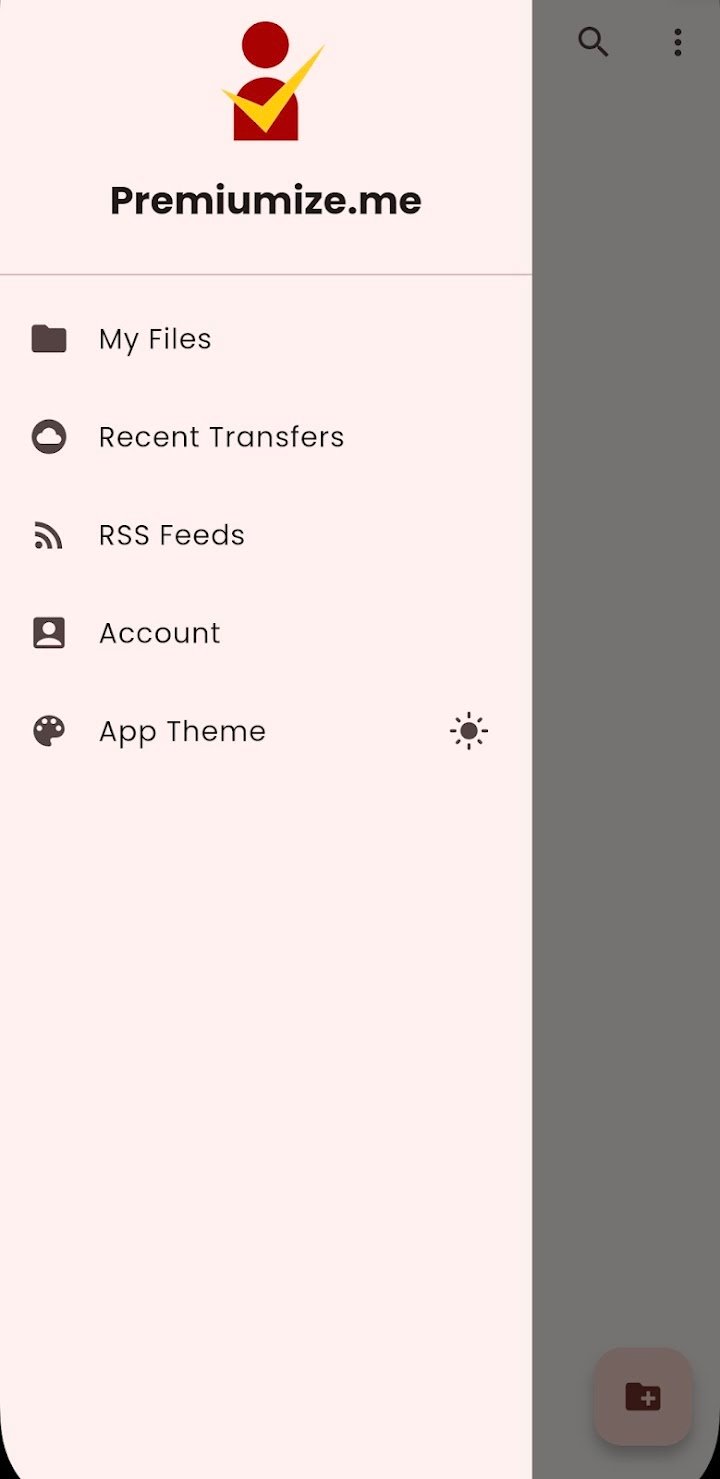
One of the main features of Premiumize.me is its cloud management functionality. Users can browse their stored content and organise files through their smartphones.
The experience is designed to be similar to accessing your cloud account through a desktop browser. This means you can check your available files and manage your content without always needing a computer.
I personally think mobile cloud access is a practical feature, especially for people who frequently switch between different devices.
Fast Remote Downloads
Premiumize.me also supports remote downloading, allowing users to submit supported downloads to their account instead of handling the entire process manually on their phone.
Its supported features include remote torrent downloads and filehost grabbing. This can be convenient when you want to manage downloads through your Premiumize account and access the resulting files later.
Download speed and availability may depend on your membership, selected service and the source being used.
Convenient Magnet Link Support
Another useful feature is the built-in magnet link handling option.
When you come across a supported magnet link, you can submit it to Premiumize.me directly by selecting the appropriate option on your device. This removes the need to manually copy and paste the link into another interface.
For users who regularly work with magnet links, this can make the process more straightforward.
Main Features of Premiumize.me
Here are some of the important features available through the application:
- Cloud File Management: Browse and organise your stored files using your smartphone.
- Remote Torrent Downloads: Submit supported torrent downloads through your Premiumize account.
- Filehost Support: Grab files from supported file hosting services.
- Magnet Link Handler: Send magnet links directly to Premiumize.me.
- Mobile Access: Manage your cloud content without depending on a desktop computer.
- Centralised Management: Keep supported downloads and cloud files organised in one account.
My Personal Opinion About Premiumize.me
In my opinion, Premiumize.me is more suitable for users who regularly download files from different online sources and want a central place to manage their content.
I particularly like the magnet link handling feature because it makes submitting supported links more convenient. The ability to access cloud files through a mobile device is another useful addition for people who prefer managing everything from their phones.
However, the paid membership requirement is something new users should understand before installing the app. If you only need occasional file downloads, a subscription may not be necessary for your needs.
Overall, I think Premiumize.me is worth considering for users who can benefit from its remote download and cloud management features.
Final Thoughts
Premiumize.me offers a combination of cloud storage management, remote downloading and magnet link support in one mobile application. It is designed to make managing supported online files easier without requiring users to perform every task through a desktop computer.
If you already have a Premiumize.me membership or regularly use its services, the app can be a convenient way to manage your account while on the go. Just remember to review the available subscription options and service conditions before getting started.